
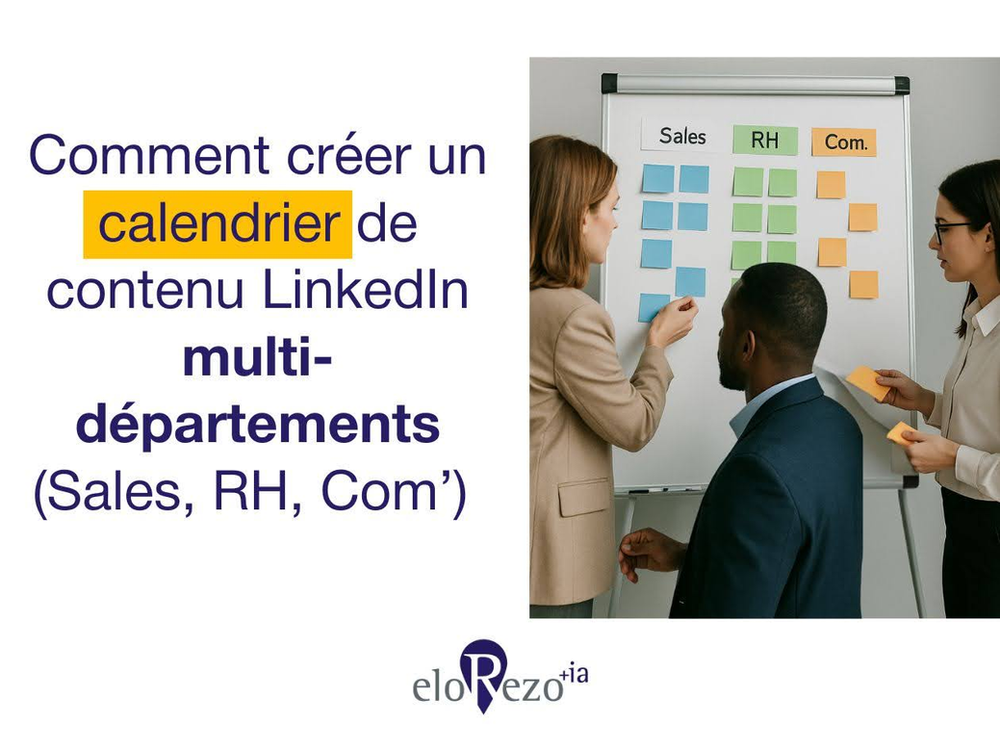
On LinkedIn, everyone wants their place. Sales, HR, Com': everyone has messages to pass on. But without coordination, it's chaos. A HR post on Monday, followed by a Sales post two hours later. Then nothing for 10 days. Does that mean anything to you? What if you could structure all this without messing with anyone? There are simple methods to manage speech in a fluid way. It takes a little rigor... but especially a lot of organization.
Step 1: Bringing stakeholders together
Before you open your Google Sheet, close your computer. Start with a meeting between the teams involved: Sales, HR and Com'.
Objective:
👉 Understanding their needs
👉 Know what they want to publish
👉 Identify existing formats and ideas
Tip:
Organize a 1 hour video with a shared Google Doc. Ask each team:
- What she wants to highlight this month
- Planned events or campaigns
- Resources available (testimony, stats, videos, etc.)
Example:
The HR team wants to talk about a recruitment campaign.
Sales want to share a success story client.
And Com' is working on the redesign of the site.
➡️ You already have 3 topics to plan.
Step 2: Define clear objectives (by team)
Each team needs to know why it communicates on LinkedIn. We don't publish to publish.
Typical objectives:
- Sales: generate leads, creditize offers
- HR: attracting candidates, value the corporate culture
- Com': developing reputation, strengthening brand image
Tip:
Match each objective to one type of content.
Examples:
👉 HR Goal = attracting talent
👉 Type of content = collaborative testimony + behind the scenes of the daily
👉 Goal Sales = generate leads
👉 Content type = client case + mini-demo product
Step 3: Create Common Content Pillars
The pillars of content are your main themes. They don't want to go anywhere.
Create 3 to 5 transverse pillars. Each team will be able to meet again.
Examples of common pillars:
- Team life and internal culture
- Clients and Successes
- Trade expertise
- Events (salons, webinars, etc.)
- Recruitment and employer brand
Tip:
Create a Table Trello or Concept with these pillars in columns. Ask each team to propose 2 ideas per month, per pillar.
Step 4: Plan without saturating
You don't need to publish every day. But you have to remain regular and organized.
Recommendation: 3 to 4 posts per week, distributed across departments. Take care to choose the right timing of publication.
Example of a typical week:
- Monday: post HR (collaborating testimony)
- Wednesday: Post Sales (customer return)
- Friday : post Com' (company news)
Tip:
Use a tool like Notion, Trello or Google Sheet. Create a shared calendar with:
- The day
- The team concerned
- The subject
- Format
- The Editor
Example line:
Tuesday 21 May, Sales, SaaS, Customer Case, Text Testimony, Maxime
So, everyone knows who publishes what, when.
Step 5: Variate formats for each team
Each team can express itself in different formats. This avoids boredom and affects a wider audience.
Effective LinkedIn Formats:
- Post text with storytelling
- Carousel (PDF or images)
- Short video
- Collaborating testimony
- Citation + visual
- Cross interview
Tip:
Let each team choose 2 "preferred" formats. But encourage them to test a new format every month.
Examples:
- HR likes video testimonials
- Sales prefer written customer cases
- Com' uses carousels to popularize a subject
You can mix the formats while keeping a clear editorial line.
Step 6: Involve collaborators
A good calendar is good. But if no one relays the posts, it's no use.
Tip:
Create a Slack channel or LinkedIn messaging group dedicated to LinkedIn communication. In each new post, share it with a message like: "Hey everyone, new HR post this morning 👇 If the subject talks to you, do not hesitate to like / comment / share 🙌 "
Another idea:
Set up an internal newsletter hebdo. Add to it: published posts, their results, the best comments. In this way, you value the effort and strengthen the team's commitment.
Step 7: Measure results (and adjust)
You don't need a 30 KPI dashboard. Start simple, but follow the performance.
Core indicators:
- Number of views
- Commitment rate
- Number of comments
- Clicks on a link
- Applications (for HR posts)
- Incoming Leads (for Sales posts)
Tip:
Use a Google Team Tracking Sheet. Update it every week or month.
Example:
Date
Team
Subject
Views
Remarks
Leads / Candidates
14 May
HR
Testimony Alex
6200
12
3 candidates
15 May
Sales
Orange client case
4900
7
2 leads
This allows you to understand what works and optimize the suite.
How can communication be properly coordinated?
1. Clarify the rules of the game from the start
Explain clearly how the calendar works. Each team has its own slots, but everybody's running.
Example:
-HR: 1 post/week
-Sales : 1 to 2 posts/week
-Com' : 1 post/week
-Special slots for urgent news
Tip:
Put all black on white in a shared Notion or Google Doc.
2. Establish a monthly editorial committee
Plan a point of 45 minutes each month with a team reference. The aim is to take stock of the posts, analyze what worked and plan future content. In this way, Everyone feels listened to, involved and you avoid bad surprises.
3. Share performance data transparently
When one team sees that others' posts work, it better understands their usefulness.
Example:"The sales post of May 12 generated 4 leads. Great lever to keep.""The HR testimony generated +15 applications in 3 days."
Tip:
A monthly synthesis (even simple) in Slack or Notion is enough.
4. Encourage collaboration between teams
Offer cross-posts: HR x Sales, Com' x Product...Everyone is gaining visibility and valuing other teams.
Example post-crossing HR x Sales: "What your clients like about you is also your internal culture."
5. Remember that visibility is collective
LinkedIn is not a closed competition. What is good for the company benefits all teams.
Tip:
Valorize the posts that worked well, regardless of the team. And publicly thank those who relay the contents of others.
6. Leave freedom out of the calendar
The timetable mainly concerns the accounts undertaken or the Strategic Posts. In addition, each person may publish in his/her personal capacity, in connection with the topics defined.
7. Create a common idea space
A Trello or a shared Notion board to file your content ideas. No need to "fight" to get the Thursday slot if everything is visible in advance.
👉 To go further and lay the foundation for a truly team-based strategy, you can rely on the Social Business Model® developed by eloRezo. Co-built as a participatory workshop, this model helps you structure your content, animation and audience on social networks, with a personalized action plan.
Conclusion
A good multi-team LinkedIn calendar is:
- Clear Roles
- A shared calendar
- Formats adapted to each objective
- Transparency on results
- A sincere collaboration between departments
With these concrete tricks, finish the internal competition. There is room for cohesion, strategy and effectiveness.